

A customer contacted Royal Memorials because the text they entered on a product page appeared very small, even though it was within the stated character limit. They wanted to know whether the finished engraving would match the size shown in the product example.
After reviewing the wording and product link, we found that the item was listed by another store. Although the inquiry had reached us by mistake, the concern was familiar: customers want to know that their chosen words will be readable on the finished piece. We provided our official website, royal-memorials.com, and explained that the original seller would need to confirm the final engraving size.
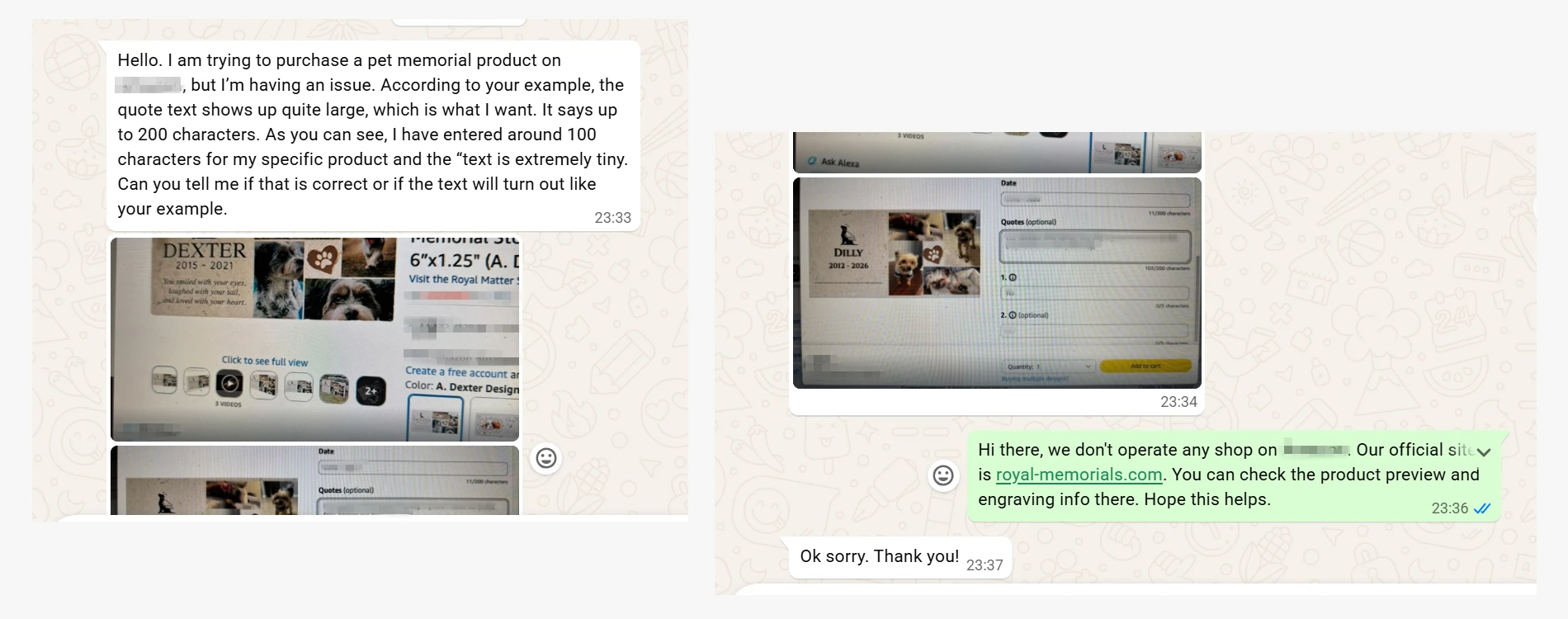
A customer questioned the small text in an engraving preview. After reviewing the product page, we confirmed that it belonged to another seller.
The question also relates to requests we receive for longer names or memorial messages that do not fit the standard engraving fields.
What If Your Urn Engraving Message Exceeds the Character Limit?
An urn may offer three lines of engraving, but a longer name or an additional sentence may exceed the space provided. If your wording does not fit, send us the product link and complete text, along with any preferences for the font, line breaks, or placement.
Depending on the product, we may be able to adjust line breaks, font size, spacing, or engraving location. If the text would become too small or crowded, we will explain the limitation and discuss alternatives. We will ask for your approval before changing the wording, reducing the font size, or moving the engraving.
To accommodate longer names and messages, we have increased the limit on the relevant engraving fields from 23 to 42 characters. Check each product page for its available lines and character limits.
We have also added a Notes field with space for up to 350 characters. Use it to explain your preferred arrangement or any details that need attention. The wording to be engraved should still go in the designated engraving fields; Notes is for instructions.
We review both entries together. You do not need to repeat clear instructions in a separate message. If anything conflicts or requires a layout change, we will contact you before production.
Does Smaller Text on the Page Mean Smaller Engraving?
The WhatsApp customer’s question was about what they could see on the screen: did smaller text in the input box mean smaller text on the finished product?
Some personalization pages automatically reduce the displayed font size as more text is entered. This allows customers to see the full message and check spelling, dates, and punctuation. If the field works this way, smaller text does not by itself indicate an engraving setup error, and its displayed size cannot be used to determine the finished engraving size.
Other pages provide a preview of the finished layout, where changes in text size may reflect the actual engraving. We could not determine which method the other seller used from the customer’s screenshots. In this situation, we recommend asking the seller whether the input field automatically shrinks text, whether the preview shows the actual engraving proportions, and whether the wording can be produced at the size shown in the example.
Free Engraving, With No Per-Character or Per-Line Fees
Engraving is free on Royal Memorials products that offer personalization. We do not charge extra for additional characters or lines. The amount of text that fits depends on the product’s material and engraving area. Check the product page for available options, or see our memorial engraving and personalization page for more information.
Contact Us About Your Engraving Request
If your message exceeds the character limit or you are unsure about the size shown in a preview, contact us through our website’s Live Chat, WhatsApp at +852 5796 5272, or email at support@royal-memorials.com.
Include the product link, the complete wording, and any instructions about the font, lines, or placement. You can also send a screenshot of the page. We will check the request and explain what will fit and what may need to change.
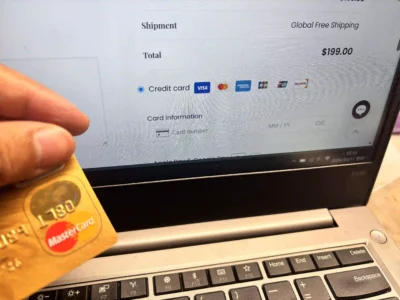
How We Helped a Customer After a Payment Problem
A customer recently selected a product on the Royal Memorials website but could not complete payment. They contacted us through
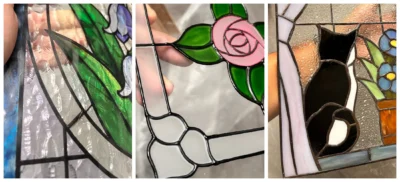
Developing Stained Glass Cremation Urns for a U.S. Wholesaler
A reference image can show the intended appearance of an urn, but the glass technique and its fit with the